
Take the Truth
With You.

Install the Grain of Salt browser extension to verify news, tweets, and articles instantly as you browse.
1How to Install
Manual Installation (Developer Mode)
If you prefer to install from source or are testing offline builds, follow these steps:
Download & Unzip
Download the zip file and extract it to a folder.
Open Extensions
Go to chrome://extensions or edge://extensions.
Enable Dev Mode
Toggle the Developer mode switch in the top right.
Load Unpacked
Click Load unpacked and select the extracted folder.
Mobile Experience
Android Users
Use "Add to Home Screen" to install as a PWA. You can then share URLs and screenshots directly to the app.
iOS Users
Pin the site to your screen for quick access.Native iOS App In Development ⏳

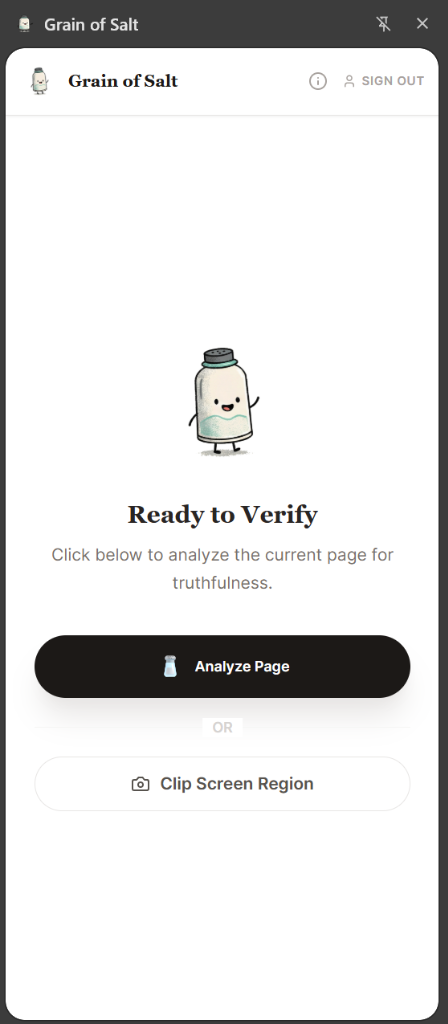
2Ready to Verify
Analyze Page
Reading a long news article or blog post? Click this to have Salty read the entire page and cross-reference every claim instantly.
Clip Screen Region
On websites like X (Twitter), Facebook, or Instagram, links cannot always be read directly for technical reasons. Just draw a box around the post to verify it.
Privacy First: The Grain of Salt extension is officially verified by the Chrome Web Store. It runs entirely locally in your browser and only sends data to our secure API when you explicitly request a verification. We never track your browsing history.